Home / Skill training
SimTech BenchLearn the skill by doing it.
SimTech Bench is VR skill training for engineering colleges. Engineering students practise concepts hands-on in the headset, with guidance at each step.
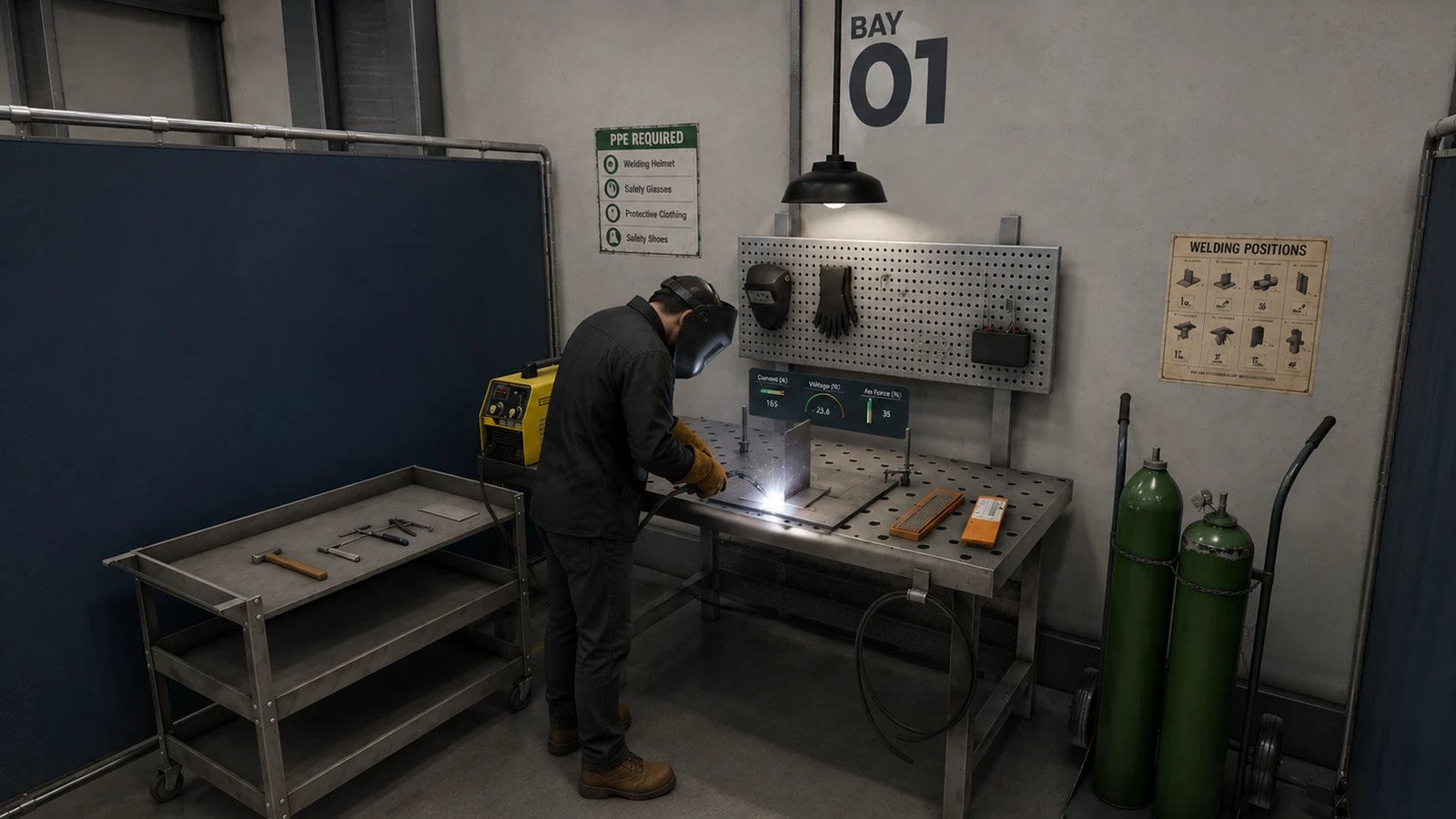
The problem
Too little hands-on time.
Engineering students share limited equipment and lab hours. Many concepts get explained but not handled.
SimTech Bench adds practice stations in VR, so more students can practise more often, using hands-on tasks rather than slides.
How a session works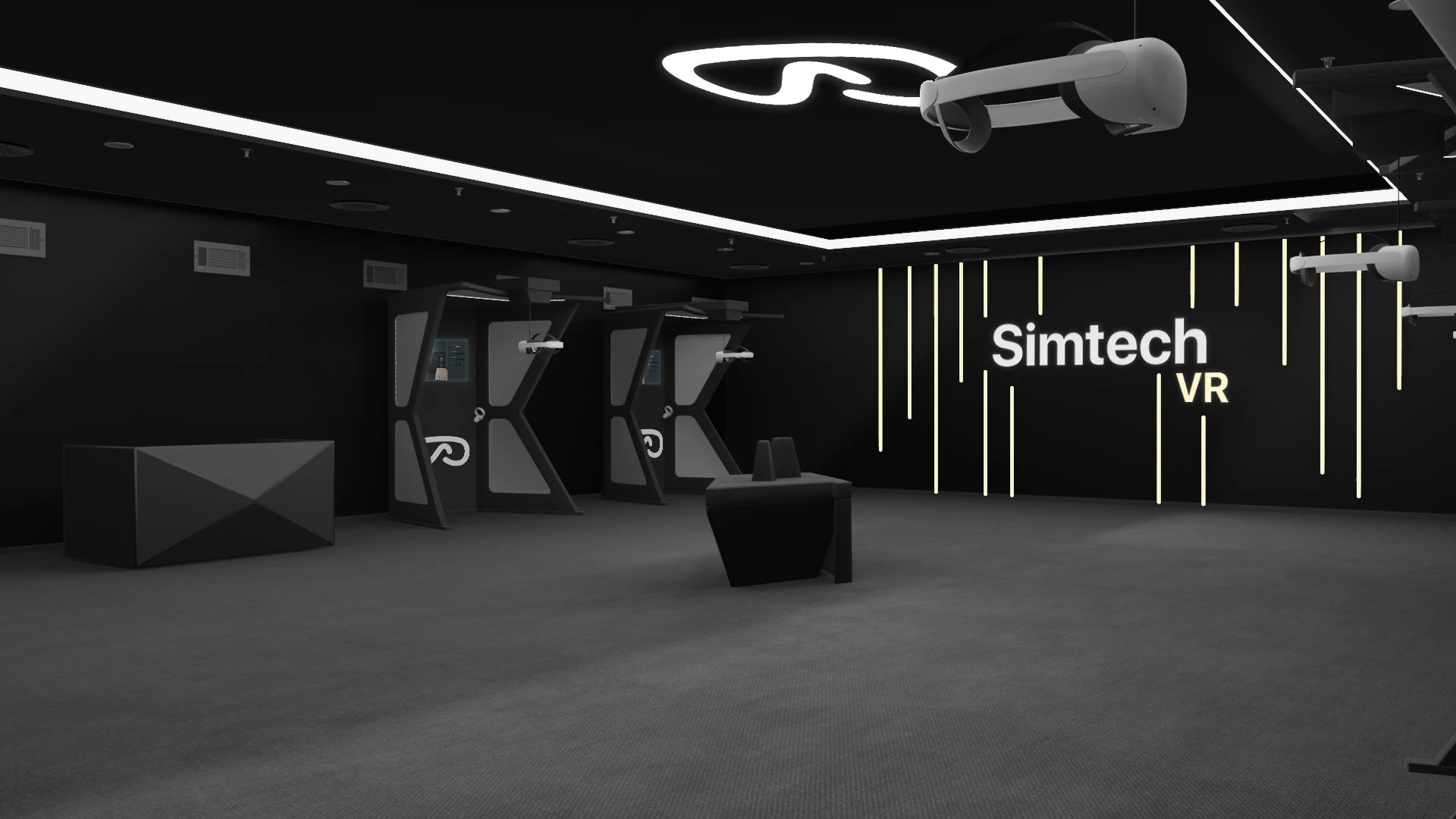
Tethered PC VR stations
Guided practice inside the headset.
Each session follows the same simple loop.
- Put on the headsetStudents enter the module on a tethered PC VR station.
- Pick the taskChoose the module for the topic being studied.
- Practise with guidanceWork through the task step by step with the controllers.
- RepeatRun the task again until the concept is clear.
Lab alone vs lab plus VR
VR adds to your lab. It does not replace it.
Lab alone
- Few stations, shared by many students
- Limited hands-on time per student
- Practice depends on equipment being free
Lab plus VR
- Extra practice stations in the same room
- Students repeat each task until it clicks
- Concepts learnt by doing, not only watching
Inside the modules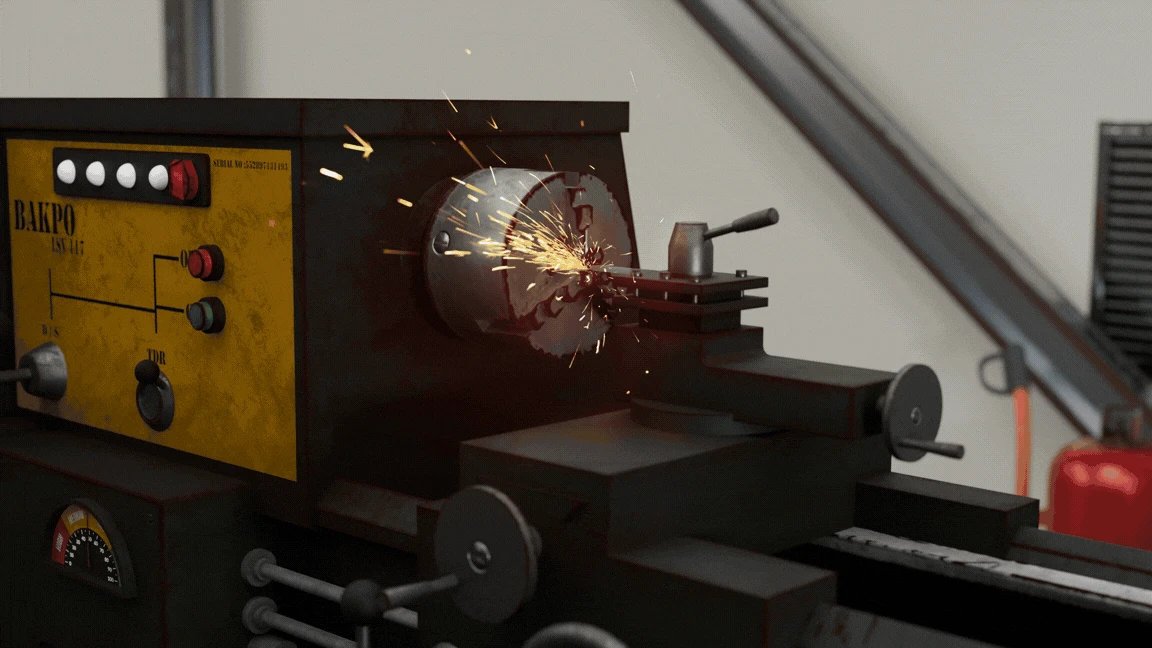
Lathe operations 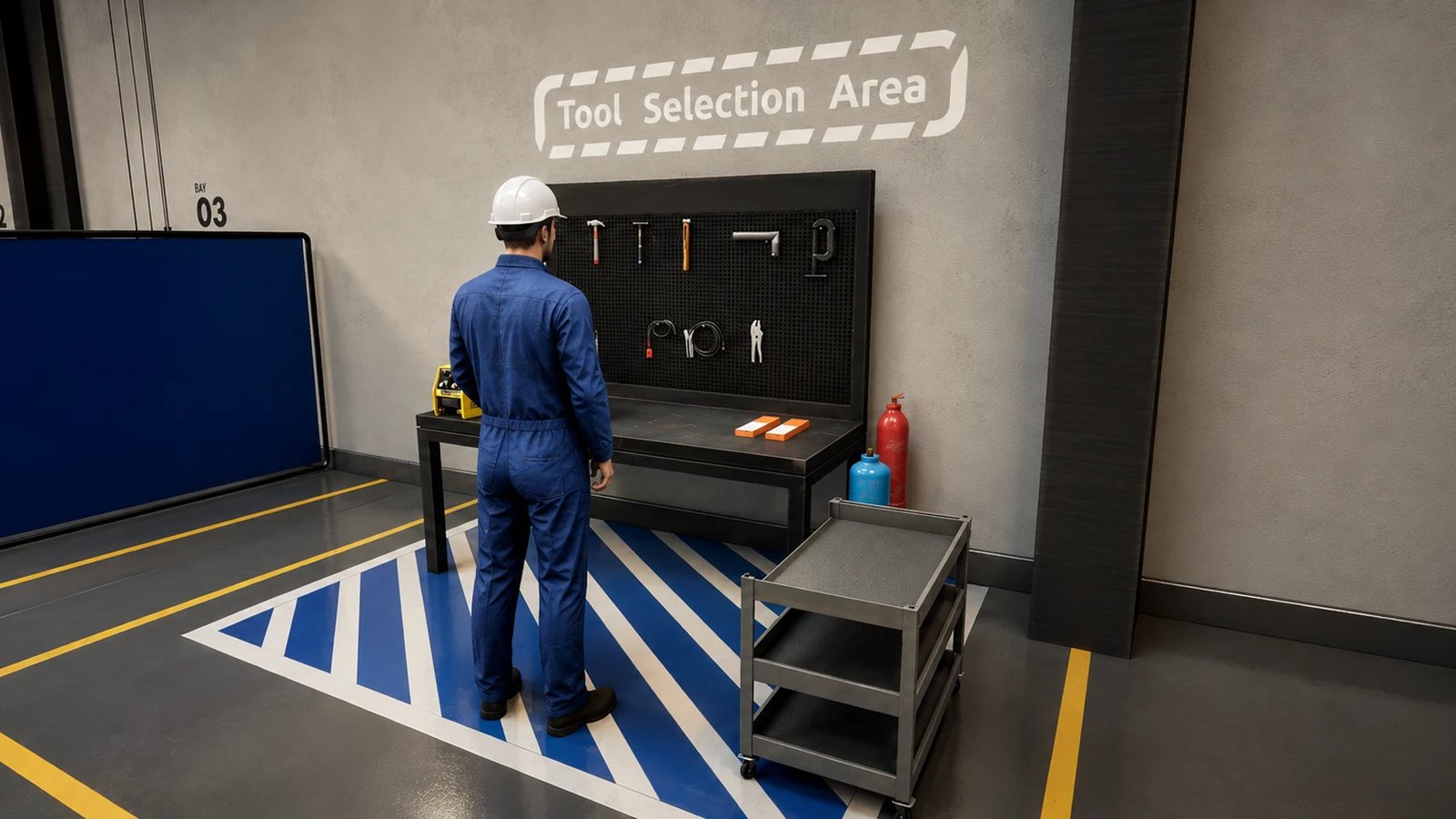
Tool selection area 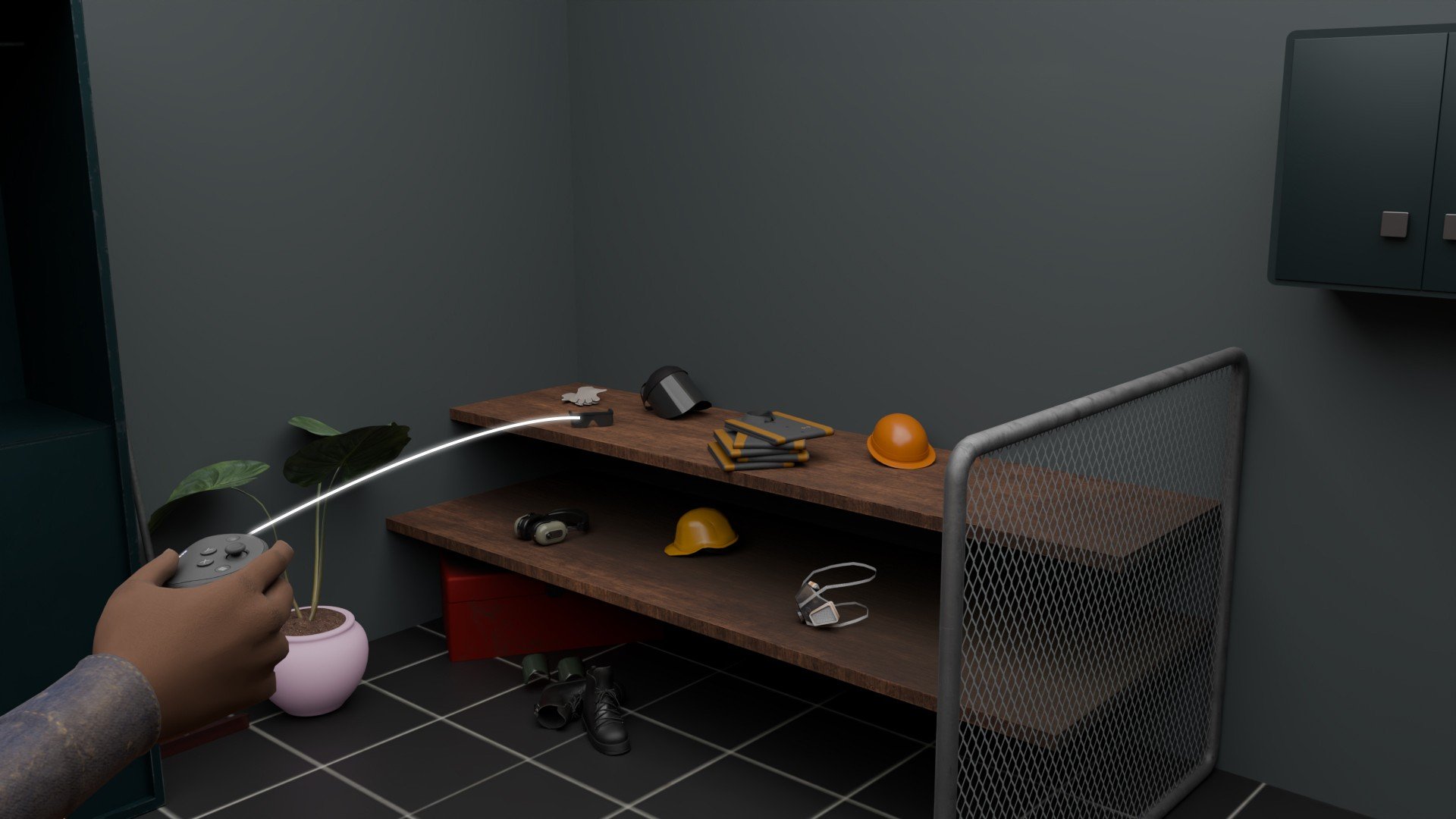
PPE selection scene
What students see in the headset.
Disciplines
Four disciplines today.
More modules are in development.
In development
An AI tutor inside the headset.
Planned: students ask concept questions without leaving the module. Not yet released.
- PlannedAnswers concept questions in the headset
- StatusIn development. Not shipped.